
Pay Multiple Cases or Citations at One Time on PayOkaloosaClerk
After you add your case or citation on PayOkaloosaClerk, you can easily make payments for several bills at once (see Add a Case or Citation on PayOkaloosaClerk). To pay for several bills in one transaction follow the steps below:
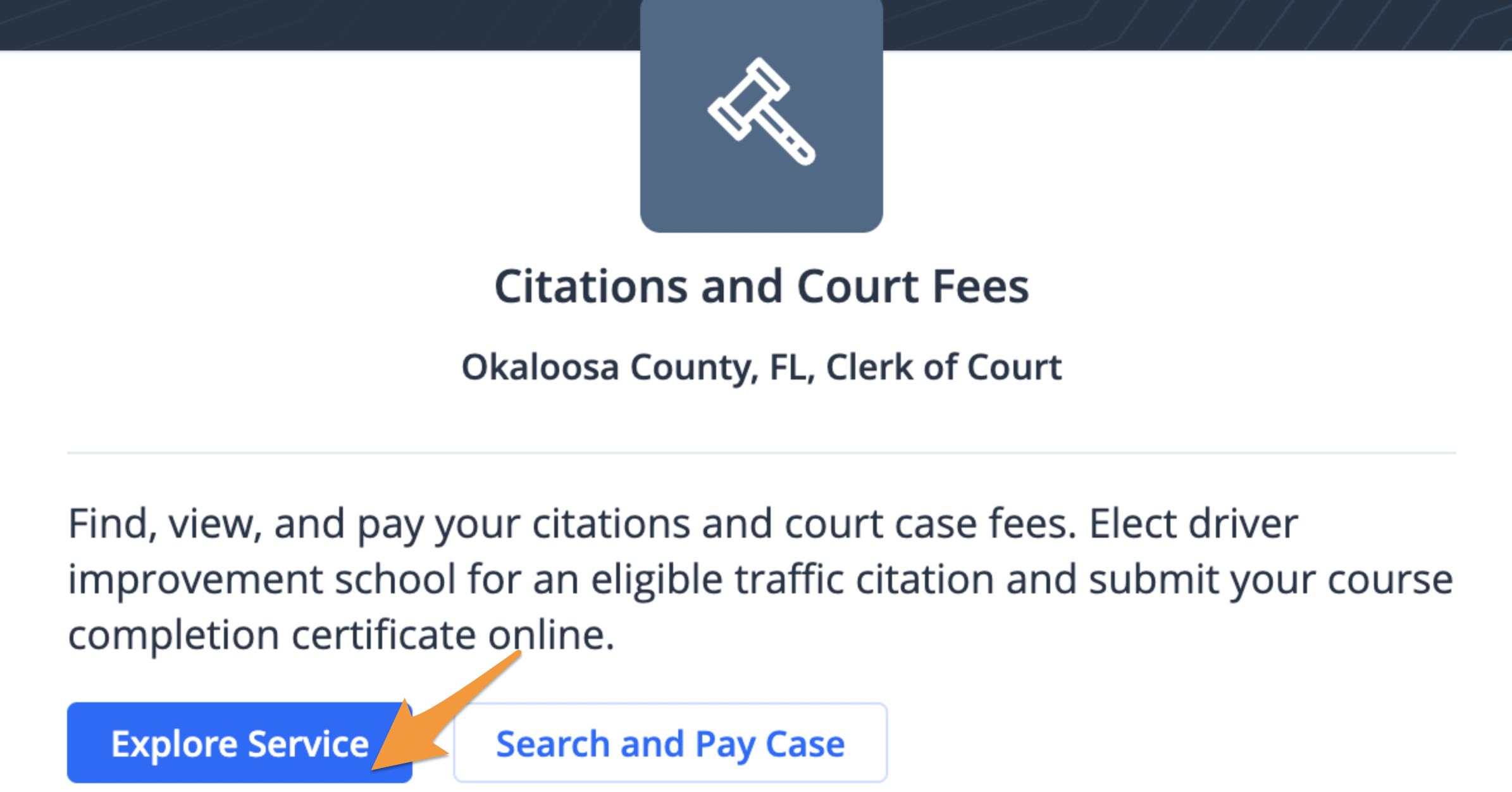
- Click Explore Service
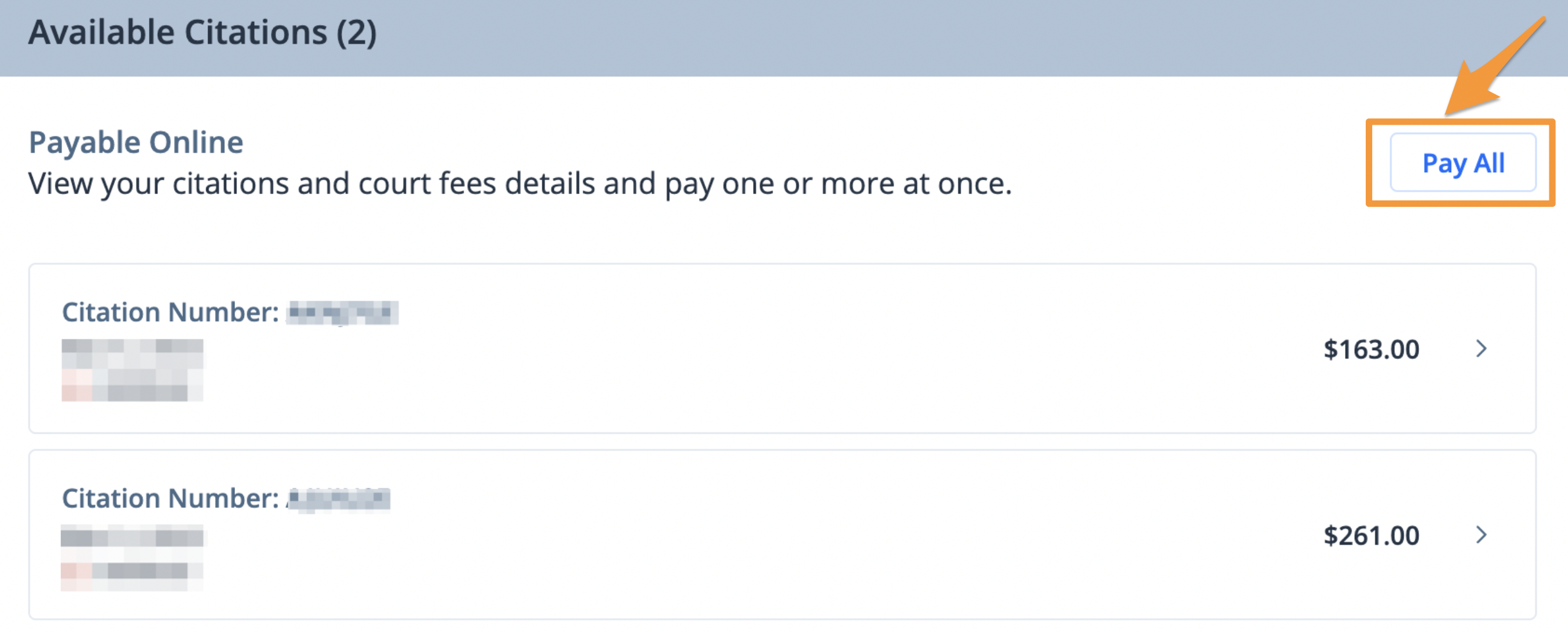
- Under the "Available Citations" section, click Pay All
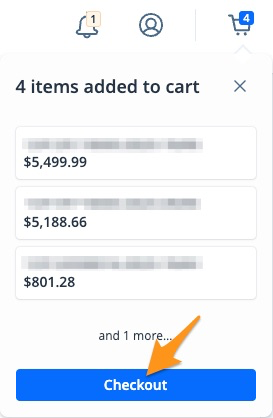
- On the cart notification, click Checkout
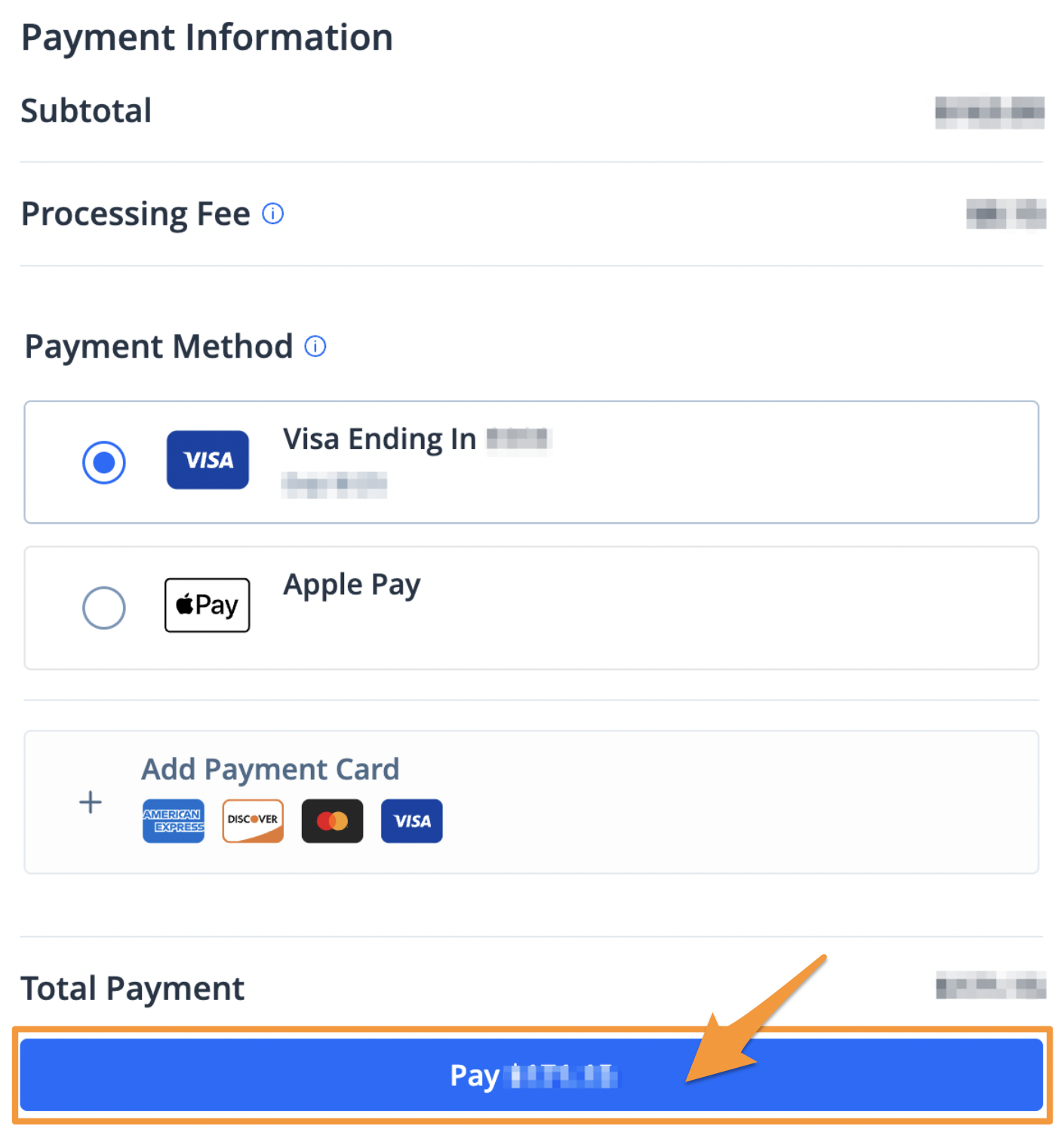
4. Select a payment method and click the blue Pay $--.-- button to complete your payment
After completing your payment, you will receive an email confirmation. A receipt will also be stored in your PayOkaloosaClerkprofile (see Find a Receipt on PayOkaloosaClerk).